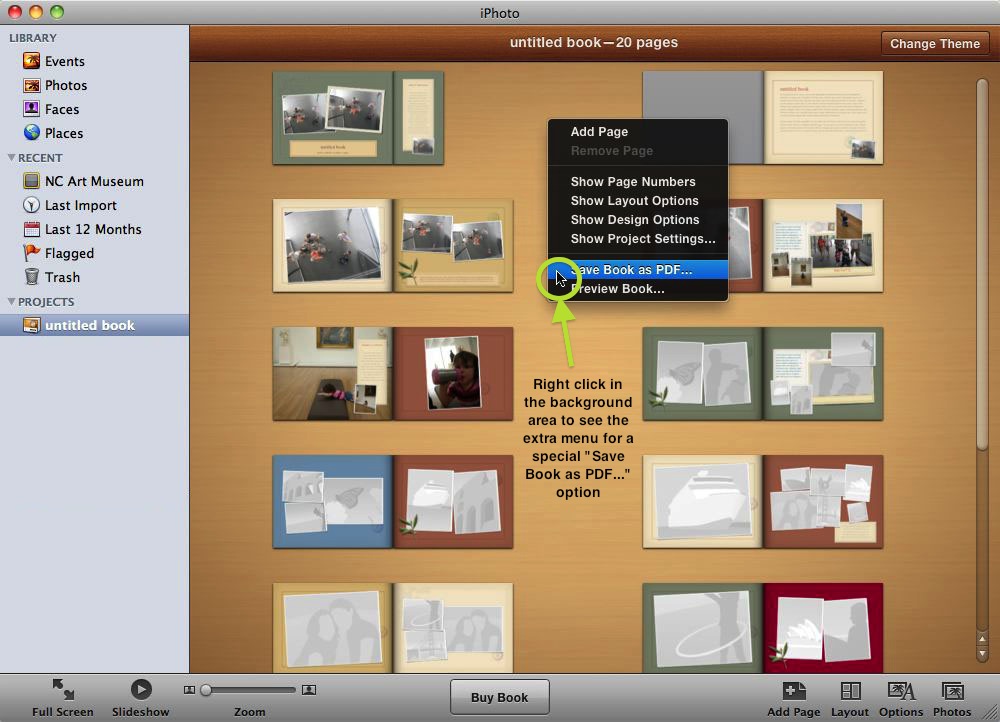
Cannot BUY iPhoto Book - Error Message ‘Incomplete Book‘. Problem with Theme 'Photo Essay' ?
Using iPhoto ’11 on Mac OS X
Problem - Cannot BUY iPhoto Book
Error Message - ‘Incomplete Book‘ .. frames on one or more pages do not contain photos’
WORKFLOW
Choose Theme - ‘Photo Essay’ / Hardcover / Large
Create Layout - Standard 20 pages of Photos and Text
TEST Version 1 - Export PDF OK - Preview OK - BUY OK
Create Duplicate - Save to Version 2 - Yellow Warning Triangles appear on All pages ! !
TEST Version 2 - Export PDF OK - Preview OK - BUY FAIL - same Error
Create Duplicate - Save to Version 3 - Reload Photos/Text/Background on All pages until every Yellow Warning Triangle disappears
TEST Version 3 - Export PDF OK - Preview OK - BUY still FAILS - same Error
Create Duplicate - Save to Version 4 - All looks good - No Yellow Warning Triangles
TEST Version 4 - Export PDF OK - Preview OK - BUY still FAILS - same Error
TEST Version 1 again - Export PDF OK - Preview OK - Buy Still OK
Search and read relevant Help Files, Apple Support, Chat Forums and try suggestions - many people have struggled with similar problems.
Eventually Repair and then Rebuild iPhoto Library - all looks fine.
TEST Version 1 again - BUY still OK. ALL other Versions - BUY still FAILS
Create Duplicate - Save to Version 5 - Try Changing Theme to ‘Picture Book’
TEST Version 5 - Export PDF OK - Preview OK - BUY OK Now ! !
BUT - All Layouts completely scrambled and useless
‘Photo Essay’ is the only Theme that works well for this Album
Version 1 not usable because all Photos/Text/Layouts are now improved
2 Days wasted trying to buy an iPhoto Book from Apple ...
At least I do have a good PDF of Version 4 which I can take to the local Print Shop
IS IT JUST A BUG? - IS THERE A WORKAROUND ? - IS THE NEW ‘PHOTOS’ APP ANY BETTER ?
Mac OS X (10.7.5)